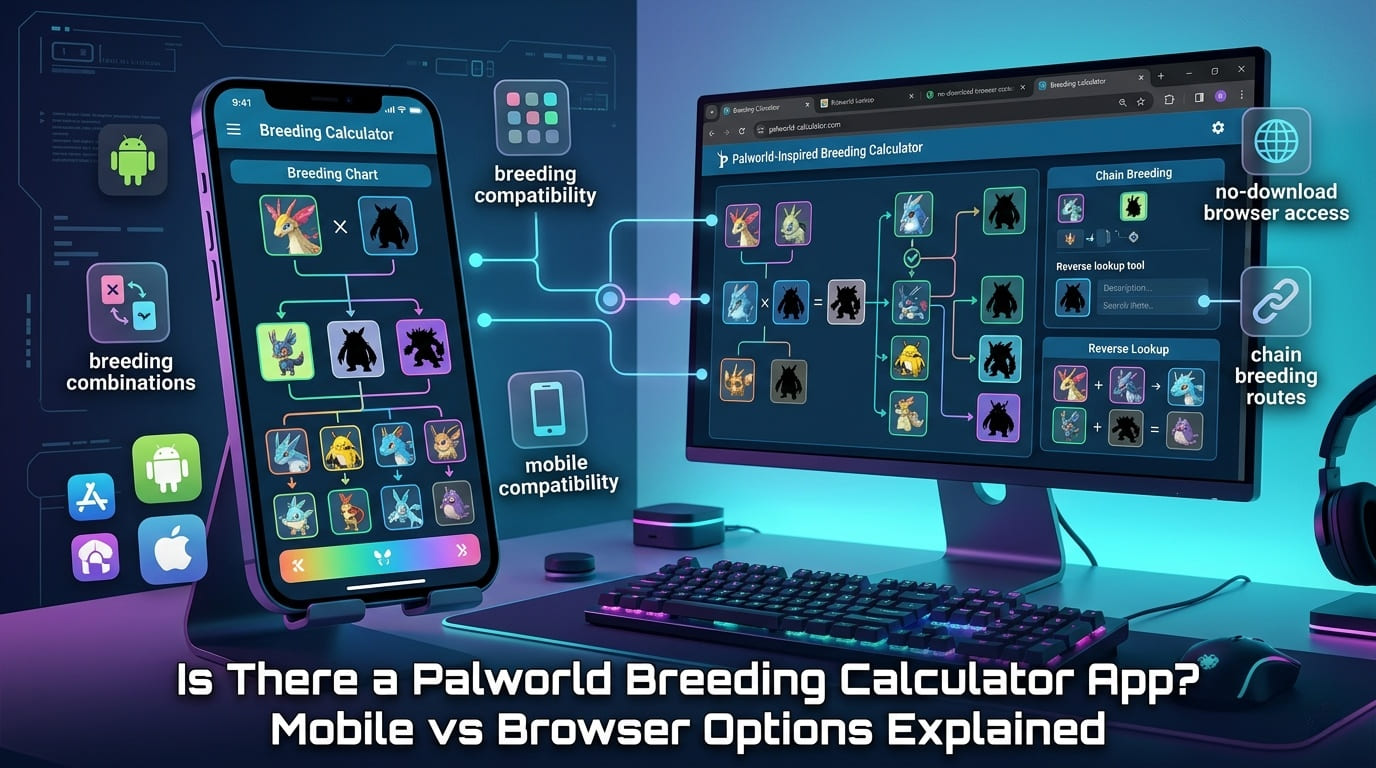
Many players search for a Palworld breeding calculator app because they want to check parent combinations while playing. The good news is that mobile options exist, but you do not always need a native app. A mobile-friendly Palworld breeding calculator in your browser can often do the same job with less friction, no installation, and faster access to updated breeding data.
On Palworld Breedings Calculators, the best approach is simple: use the online calculator when you want parent-to-child results, target Pal search, breeding combinations, reverse lookup, breeding charts, and chain breeding routes without waiting for an app download. This article explains when an app makes sense, when the browser is better, and how to use a browser calculator like an app on your phone.
Is There a Palworld Breeding Calculator App?
Yes, there are mobile app-style options for Palworld breeding, including Android app listings and iOS companion-style tools. These can be useful if you prefer opening an icon on your phone, checking recent searches, or using a simple one-screen breeding pair lookup. However, app availability, feature depth, and update frequency can vary.
That is why many players still choose a Palworld breeding calculator online. A browser calculator works on Android, iPhone, iPad, tablet, and desktop. It also avoids app permissions and can be opened instantly when you need to check a child Pal, parent combinations, breeding combos, or a breeding path.
Palworld Breeding Calculator App vs Browser Calculator
| Feature | Mobile App | Browser Calculator |
|---|---|---|
| No download required | Usually no | Yes, open in browser |
| Works across devices | Usually limited to platform | Android, iPhone, tablet, desktop |
| Parent combinations | Often supported | Supported by most full calculators |
| Target child search | Depends on app | Usually easier to search and filter |
| Breeding tree or chain breeding | May be limited on small screens | Better on tablet or desktop view |
| Update speed | Requires app update | Can be refreshed server-side |
| Offline access | Possible in some apps | Usually needs internet |
| Privacy and permissions | Check app permissions | Lower friction, no install needed |
When a Mobile App Is Useful
A mobile app can be useful for quick checks while playing Palworld on another screen. If your main goal is simple parent pair lookup, saved searches, or checking a familiar breeding combo, an app-like layout may feel convenient. Android users may find dedicated calculator apps, while iPhone users may see companion apps that include Paldex, maps, breeding guide data, or Pal information.
Apps are also helpful for players who prefer a single tap from the home screen. If you only need basic breeding pairs, recent searches, or a fast child calculator, a mobile app can work well. The risk is that app data can become outdated if Palworld updates change breeding combinations, special combos, Pal variants, or the breeding database.
When a Browser Calculator Is the Better Option
A browser calculator is usually better for advanced breeding. If you need reverse breeding search, parent combinations, breeding charts, chain breeding, a breeding tree, passive skill planning, IV planning, or a breeding path calculator, a full online tool is often easier to use. The bigger screen options on desktop and tablet also make result tables easier to compare.
Browser-based tools are also better for a no-download workflow. You do not need to install anything, accept app permissions, or worry about storage. You can open the calculator, search for a target child Pal such as Anubis, compare possible parent Pals, then return later from any device.
Mobile usability testing example
Test the calculator on a phone by searching one target child Pal, selecting two parent Pals, opening the breeding chart, and checking whether the result table scrolls cleanly. If the table is crowded, switch to landscape mode or use a tablet/desktop view for chain breeding.
How to Use a Browser Calculator Like an App
If you want app-like convenience without downloading a native app, add the browser calculator to your phone home screen. This gives you a shortcut icon but keeps the calculator online and easier to refresh.
- Open the Palworld breeding calculator in your mobile browser.
- Tap the browser share button or menu button.
- Select Add to Home Screen.
- Rename the shortcut to “Palworld Breeding Calculator.”
- Open the shortcut while playing to check breeding combinations quickly.
- Refresh the page after major Palworld updates to avoid stale results.
Mobile Browser Compatibility Data
| Device / Browser | Best For | Possible Issue | Fix |
|---|---|---|---|
| Chrome on Android | Fast lookup and home screen shortcut | Cached old data | Refresh or clear site cache |
| Safari on iPhone | Quick mobile search | Wide result tables | Rotate screen or use reader-free view |
| Chrome on iPhone | Cross-device users | Small dropdown spacing | Zoom slightly or use landscape mode |
| Tablet browser | Breeding chart and chain routes | None major for most layouts | Use split screen beside notes |
| Desktop browser | Advanced route planning | Less portable | Use for long breeding trees |
Features to Compare Before Choosing
Before choosing a Palworld breeding calculator mobile app or browser tool, check the features that matter for your goal. A casual player may only need parent-to-child search. A completionist may need a full breeding list, Paldeck support, target child lookup, and rare Pal routes. An advanced breeder may need passive skill inheritance, trait planning, IV breeding, special breeding combos, and unique combinations.
- Parent selector: choose two parent Pals and view the child Pal.
- Child selector: choose a target Pal and find possible parent combinations.
- Reverse lookup: work backward from a desired offspring.
- Breeding chart: compare breeding combinations and result tables.
- Chain breeding: find a multi-step route using intermediate Pals.
- Passive skill calculator: plan traits for combat, work, mounts, or base workers.
- Version tracking: reduce wrong results after Palworld updates.
Why Data Updates Matter for Breeding Accuracy
Accuracy is the biggest reason to compare mobile apps and browser options carefully. A Palworld breeding calculator depends on a database of Pal species, parent combinations, child results, special combos, unique breeding combinations, and sometimes passive trait probabilities. If the database is outdated, the calculator may show a wrong offspring or miss a valid route.
Native apps can be convenient, but users may need to wait for app updates. Browser calculators can also be outdated, but they are usually easier to refresh after a database change. For important breeding plans, especially rare Pals, legendary Pals, fusion Pals, Anubis routes, Jetragon routes, or passive skill chains, use the most recently updated calculator available.
Troubleshooting Mobile Calculator Problems
If your Palworld breeding calculator is not working on mobile, do not assume the tool is broken. First, check whether the issue is screen size, browser cache, filters, or an outdated database.
- Refresh the page and wait for the breeding database to load.
- Clear browser cache if results look outdated.
- Reset filters if parent combinations are not showing.
- Confirm the exact Pal name and variant.
- Use target child search if you want parent pairs for a specific Pal.
- Switch to tablet or desktop for large breeding trees.
Best Option: App or Browser?
For most players, the best option is a mobile-friendly browser calculator with a home screen shortcut. It gives you an app-like experience without downloading anything, works on Android and iPhone, and is better for updated breeding combinations, reverse lookup, breeding charts, chain breeding, and route planning.
A native app can still be useful for quick searches, saved recent searches, and simple breeding pair checks. But if your goal is accurate planning, fewer wrong results, and better cross-device access, the browser version is the stronger everyday choice.
FAQs
Is there a Palworld breeding calculator app
Yes, some mobile app and companion app options exist, but many players prefer a browser-based Palworld breeding calculator because it needs no download, works across devices, and can be updated faster when breeding data changes.
Can I use a Palworld breeding calculator on mobile?
Yes, you can use a Palworld breeding calculator on mobile through your phone browser. A responsive browser calculator can handle parent combinations, child search, breeding charts, and route planning without installing an Android or iPhone app.
Is a Palworld breeding calculator app better than browser?
A mobile app is convenient for quick checks, but a browser calculator is often better for updated data, no-download access, larger result tables, and advanced features like reverse lookup, chain breeding, and breeding path planning.
How do I add Palworld breeding calculator to my home screen?
Open the Palworld breeding calculator in your mobile browser, tap the browser menu or share button, then choose Add to Home Screen. This creates an app-like shortcut while still using the updated browser calculator.
Does Palworld breeding calculator work on iPhone?
Yes, a browser-based Palworld breeding calculator can work on iPhone through Safari, Chrome, or another modern browser. For the best experience, use portrait-friendly search fields, clear filters, and refresh the page after game updates.
Does Palworld breeding calculator work on Android?
Yes, Android users can use a Palworld breeding calculator through Chrome, Edge, Firefox, or a mobile app. Browser access is usually simpler because it avoids installation, app permissions, and outdated calculator data.
Use the No-Download Palworld Breeding Calculator
Open Gearchain’s Palworld breeding calculator to compare parent combinations, find child Pals, check breeding routes, and plan mobile-friendly breeding without installing an app.
Open the Palworld Breeding Calculator